CT-e · Electronic Bill of Lading
The freight you closedbecomes an authorized CT-e.
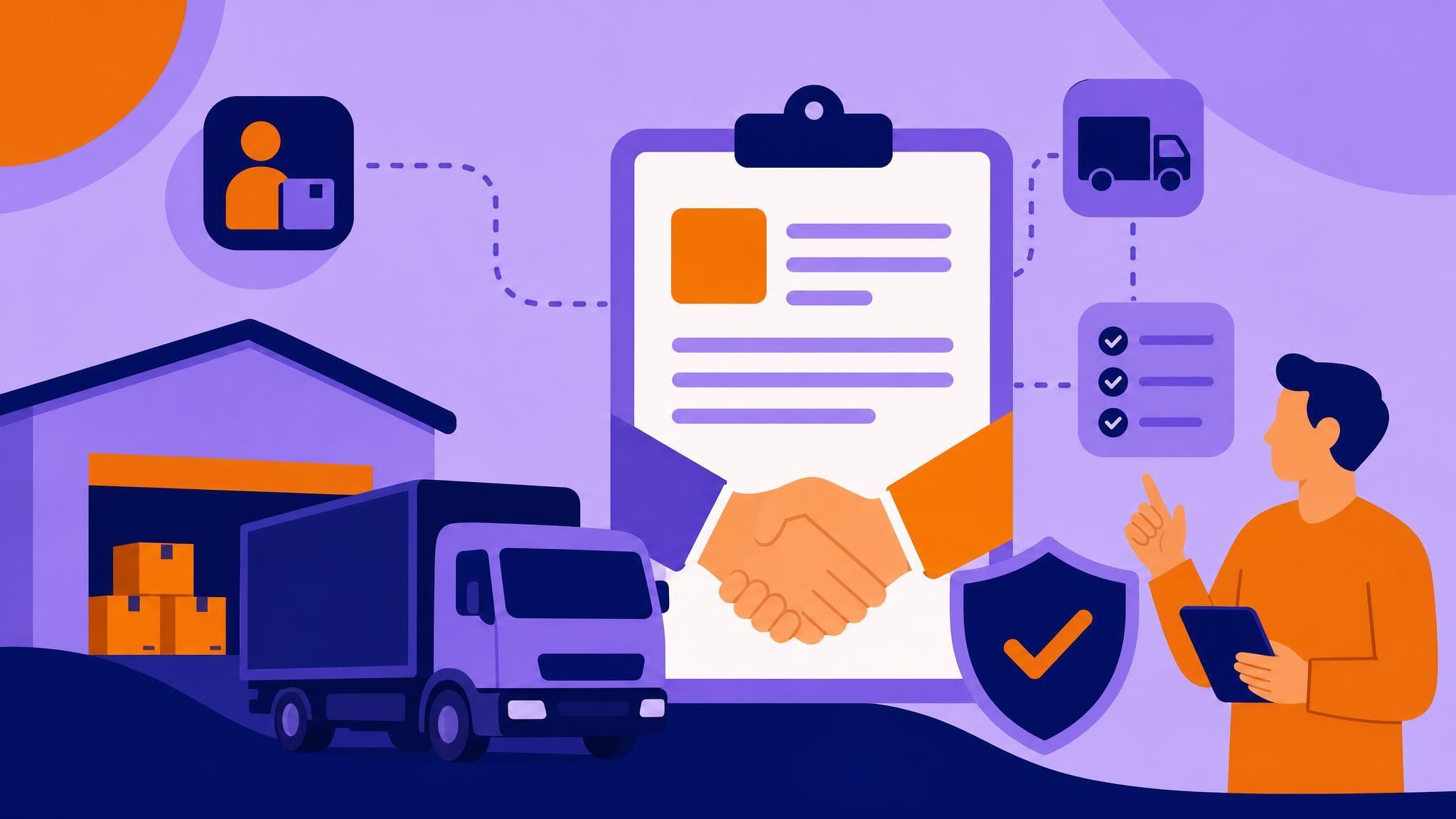
Payer, sender, recipient, linked invoices and service amount are already in the operation. The CT-e comes from there, returns authorized with its access key and DACTE, and feeds the MDF-e of the same trip.
- Issued from the freight closing
- DACTE in the driver app
- CT-e linked to the MDF-e
- Supplement, annulment and CC-e
- API and native integration
SÉRIE 1 · Nº 018342
Service
ROM 4471 · São Paulo → Vitória
Payer
ACME DISTRIBUIDORA
Mode
Rodoviário
Documents
3 NF-e
Gross weight
8.420 kg
Service amount
R$ 4.280,00
ICMS
R$ 513,60
Authorized · SEFAZ
Who it is for
Whoever sells the transport service issues the CT-e
The CT-e documents the transport service itself. It comes from whoever charges the freight.
You charge freight to third parties
Every service needs its own CT-e, with a defined payer, linked invoices and calculated tax. The document comes out of the freight your team already closed.
- Payer, sender and recipient taken from the order
- Freight calculated with the rate table you already use
- The trip's CT-e grouped automatically into the MDF-e
You operate as a carrier
A company providing transport services to its group or to clients issues CT-e like any carrier — with the same flow tied to the route and the driver app.
- Batch issuance when you close the day's trips
- Supplement, annulment and replacement without a support ticket
- Report of services by payer and by period
How it works
Four steps, all inside the operation
No step asks you to open another portal or retype data that is already in the system.
- 01
Close the freight
Route, invoices, payer and amount are already in the freight closing your team uses today.
- 02
Check the service
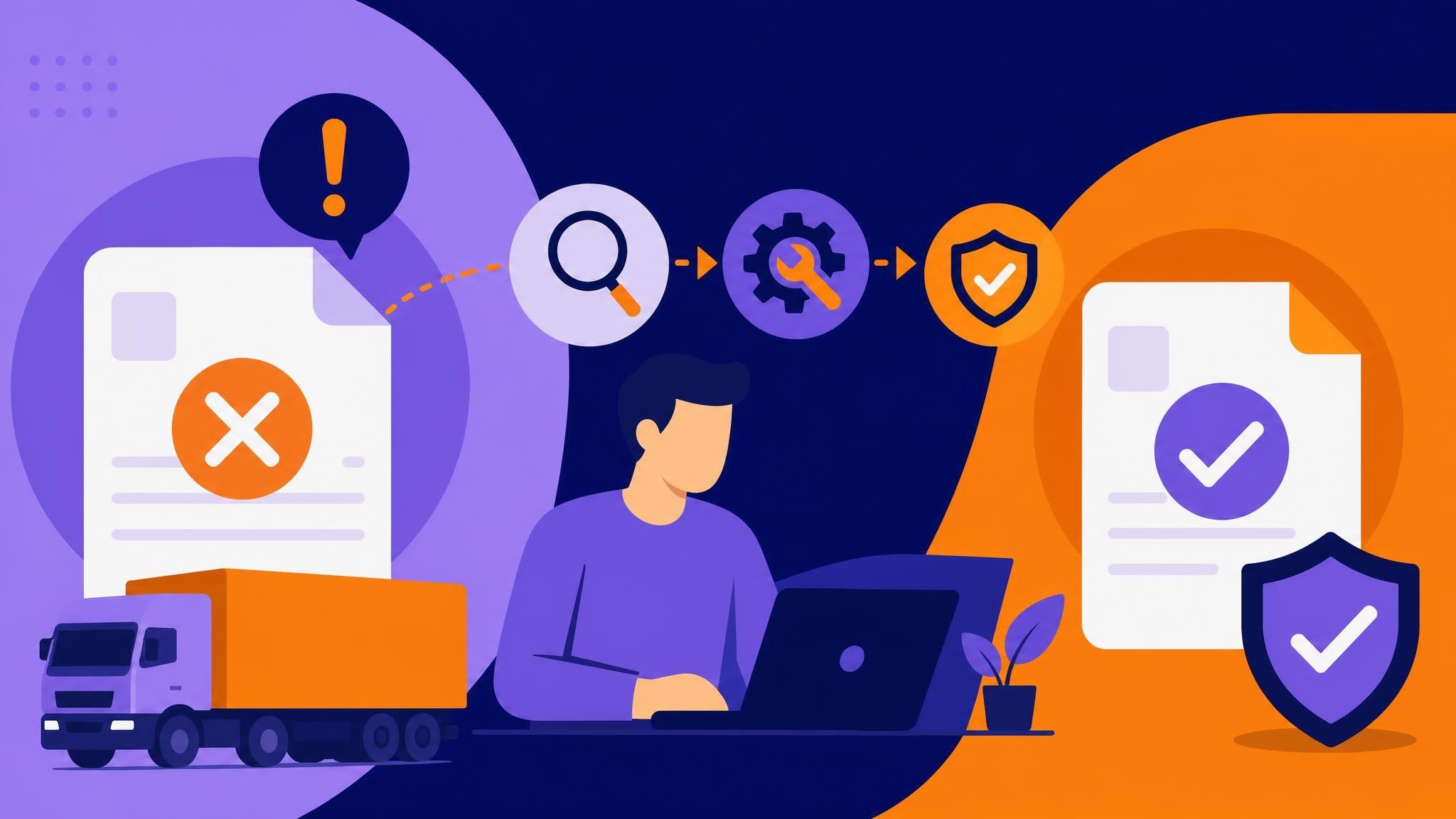
Payer, CFOP, taxation and linked documents are validated before transmission; whatever is missing shows on screen.
- 03
Authorize with SEFAZ
The CT-e comes back with access key and protocol, and the DACTE lands in the driver app.
- 04
Take it to the manifest
The authorized CT-e goes straight into the trip's MDF-e, with nothing retyped.
Already in your flow
Four documents, one single flow
CIOT, MDF-e, CT-e and the toll voucher already run in Meu Rastreio. They are not separate portals: each one has an API and is natively integrated with the route planner and the driver app.
API for your ERP
All four documents have an API: your system sends the operation and gets back code, key, receipt and status.
Native in the route planner
The planned route already carries the itinerary, toll plazas, vehicle and driver — exactly what each document requires.
Native in the driver app
CIOT, DAMDFE, DACTE and the toll voucher receipt land on the phone of whoever is driving, next to the day's route.
What the module does
The fiscal document at the pace of the operation
Issued from the freight
Payer, invoices, route and amount come from the freight closing that already exists.
Freight and tax calculation
The system's rate table feeds the service amount, and taxation comes prefilled.
DACTE in the driver app
The driver leaves with the DACTE and its barcode on the phone, and the printout becomes optional.
CT-e into the MDF-e
The authorized document goes straight into the trip's manifest, with no second entry.
Supplement, annulment and replacement
Fix an amount, redo or annul the service using the types set by law.
Electronic correction letter
Adjust what the law allows to be corrected, without cancelling and issuing everything again.
Batch issuance
Close the day's trips and issue them at once instead of one by one.
Reports for finance
Pull services by payer, period and status, with what was invoiced.
API and integrations
Receive services from your ERP and send key, protocol and DACTE back to your system.
Questions about CT-e
What people ask before signing
Informational content about CT-e regulation. It does not replace tax advice.
What is the CT-e?
It is the Electronic Bill of Lading, model 57. It documents the road freight transport service and replaced the old paper bills of lading.
Who has to issue it?
Whoever provides the transport service and charges freight: a carrier, a cooperative, a multimodal transport operator or a company acting as carrier. Whoever moves their own cargo with their own fleet does not issue CT-e — in that case the trip goes to the MDF-e.
What is the difference between CT-e and MDF-e?
The CT-e documents the service and the amount charged. The MDF-e groups, per vehicle and per trip, the CT-e and NF-e on board. A trip usually has several CT-e and a single MDF-e.
Who is the service payer?
Whoever hires and pays for the freight: sender, recipient, dispatcher, receiver or a third party. The payer defines taxation and who takes the tax credit, which is why the field is checked before issuance.
Can a CT-e be cancelled?
Yes, within the deadline set by law and as long as the service has not started. Beyond that, the way out is an annulment or replacement CT-e.
What if the amount charged changes?
A difference upward goes through a supplementary CT-e. An error that requires redoing the service goes through annulment and replacement, depending on the case.
Does the driver need a printed DACTE?
The DACTE can be presented digitally straight from the driver app. Printing is up to the operation and to what the customer requires on delivery.
I already issue CIOT and MDF-e in Meu Rastreio — does anything change?
The flow does not change. All four documents come from the same trip: the CT-e feeds the MDF-e, and the CIOT and toll voucher follow when the driver is self-employed.
Can it integrate with my ERP?
It can. Services can arrive through an integration or the API, and key, protocol and DACTE go back to your system.
Documents of the operation
The four documents of a road trip
All of them already available in Meu Rastreio, issued from the same operation.
Stop issuing CT-e in a system that knows nothing about your route
We show the flow running with your freights, your payers and your trips.