How to connect drivers to your operation using Sensatta ERP
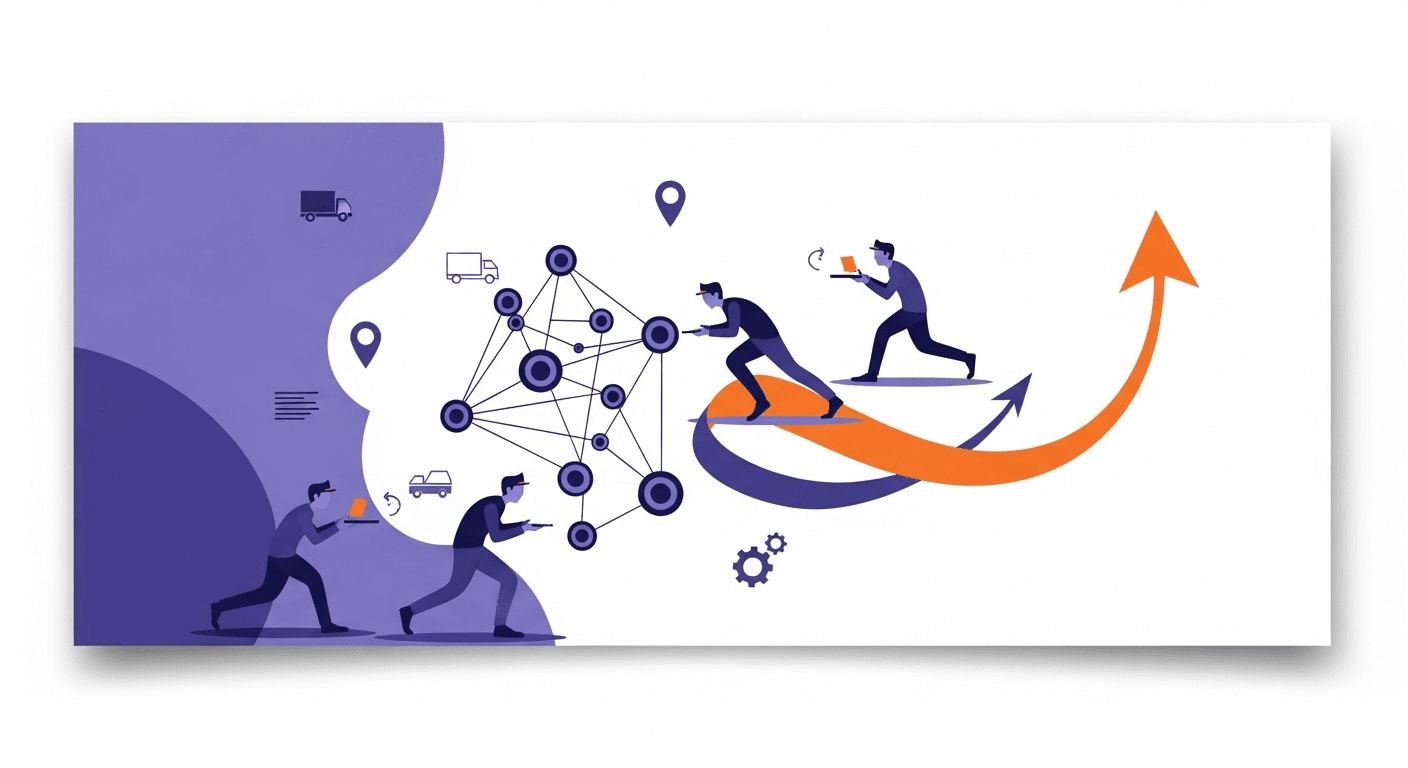
Bringing drivers into the heart of your logistics operation is one of the biggest challenges for teams managing deliveries, pickups, and routes every day. When the field doesn’t talk to the back office in real time, gaps appear: invisible delays, missing proofs, rework, and customers left without visibility. In this context, Sensatta ERP plays a strategic role—and when connected to Meu Rastreio, it turns daily routines into a continuous flow of information, from order to proof of delivery.
In this article, you’ll learn how to “pull” your drivers into your operation with Sensatta ERP, gain end-to-end control, and create a superior experience for customers and teams.
Challenges of having disconnected drivers
- Limited visibility: without real-time status updates, control becomes reactive and problems surface too late.
- Fragmented communication: WhatsApp, phone calls, and side spreadsheets create noise and multiple versions of the truth.
- Paper-based proofs and documents: risk of loss, delays to post into the ERP, and difficult audits.
- Rework and hidden costs: typing errors, quantity discrepancies, and poorly recorded returns.
- Inconsistent customer experience: unreliable ETAs, little context on exceptions, and low predictability.
Connecting the driver to Sensatta ERP—with a mobility, tracking, and automation layer—solves these pains at the source.
What Sensatta ERP is and how it integrates with Meu Rastreio
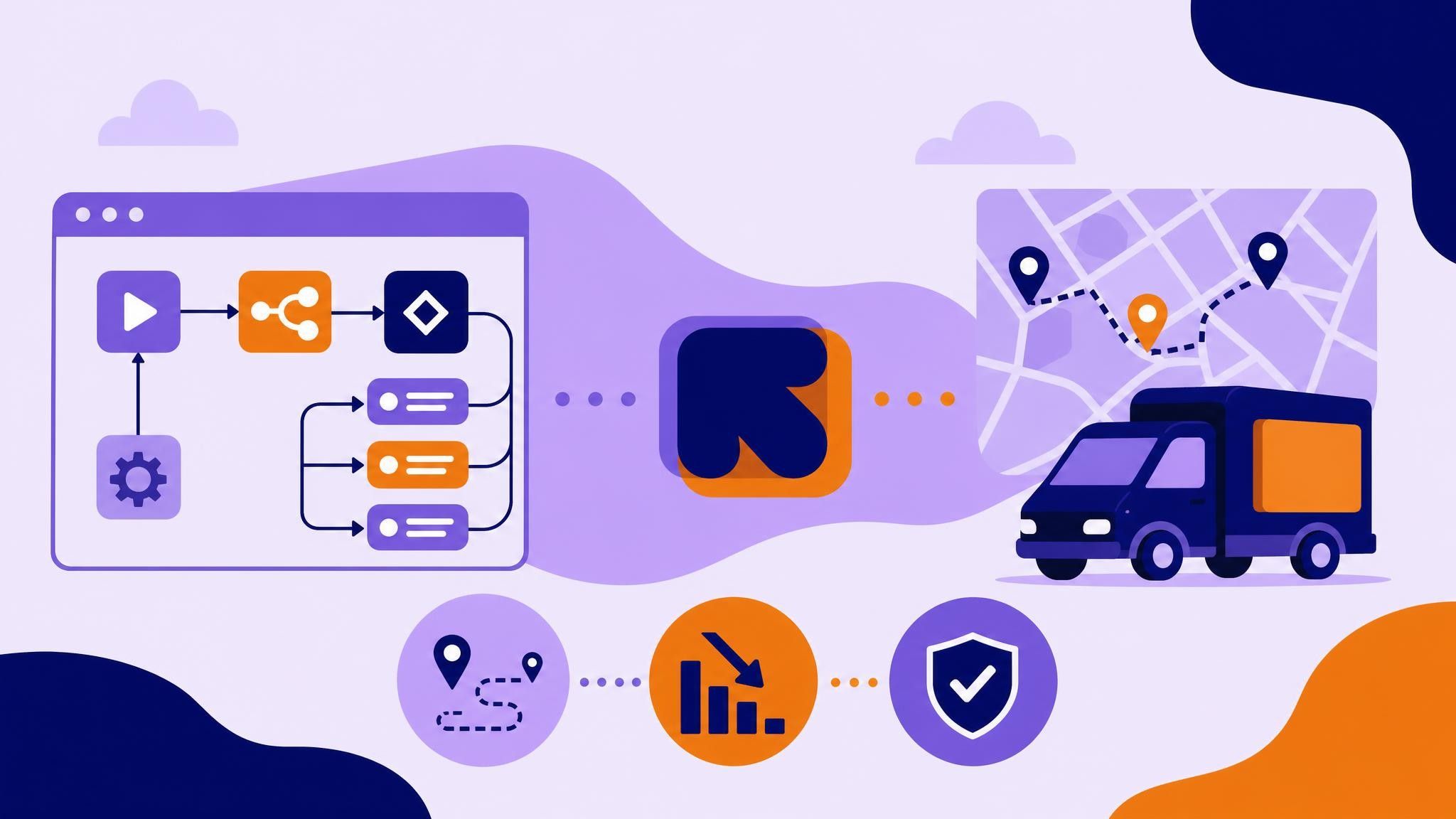
Sensatta ERP centralizes critical data for sales, invoicing, inventory, and outbound orders. It is the single source of truth for orders and documents that sustain the logistics operation. Meu Rastreio’s native integration with Sensatta ERP (https://www.meurastreio.app/pt-BR/integracoes/sensatta) pushes this information to the field and brings back operational data from the road in real time.
- The ERP holds orders, invoices, and constraints.
- Meu Rastreio syncs that data, creates routes, distributes tasks to drivers, and collects events (check-in, deliveries, exceptions, and POD).
- Updates are returned to Sensatta ERP, ensuring consistency, auditability, and fast closure.
Result: a closed information loop between back office, operations, and driver.
How Sensatta ERP connects the driver to your operation in practice
- Automatic synchronization of loads and routes
- Import orders and invoices from Sensatta ERP.
- Smart grouping by delivery window, region, customer type, or priority.
- Assign stops to each driver with an optimized sequence.
- Driver app with standardized workflows
- Route briefing with all stops, contacts, and notes.
- Departure checklists, PPE, volume and seal checks.
- Standardized exception logging (no-show, damage, quantity discrepancy, access restriction).
- Assisted navigation and one-tap status updates.
- Real-time tracking and operational dashboards
- Geolocation and route progress in a single panel.
- Visibility into delays, bottlenecks, and critical orders.
- Proactive alerts so you act before a problem becomes a complaint.
- Digital proof of delivery (POD)
- Capture photos, signatures, and digital stamps.
- Record date, time, and GPS coordinates for audits.
- Automatic submission to the back office and linkage to the Sensatta ERP document.
- Reliable closing and KPIs
- Status and proof flow back into the ERP.
- Indicators such as OTIF (on-time, in-full), first-attempt success rate, productivity by route, and average service time.
- Reports that drive decisions on cost, scale, and quality.
Practical, measurable benefits
-
Cost reduction
- Less rework and fewer posting errors thanks to an integrated flow.
- Elimination of paper and manual reconciliation.
- More efficient routes and lower fleet idleness.
-
Operational efficiency
- Real-time visibility to prioritize critical stops.
- Shorter order cycle time (order → delivery → invoicing).
- Faster cash conversion with immediate POD.
-
Scalability and standardization
- Clear workflows for new drivers and temporary teams.
- A replicable operation across regions or contracts.
-
Customer experience
- Reliable ETA and clear communication on exceptions.
- Digital proofs sent quickly when needed.
-
Governance and compliance
- Event traceability and end-to-end audits.
- Stronger control over sensitive data and processes.
Step-by-step to connect drivers with Sensatta ERP + Meu Rastreio
- Map your current flow
- List how orders enter Sensatta ERP, how they become loads, and how you log exceptions today.
- Identify bottlenecks: information delays, lost PODs, back-office rework.
- Configure the integration
- Enable the integration between Sensatta ERP and Meu Rastreio.
- Define the data flow: orders, invoices, delivery windows, exception policies, and status return.
- Model the driver workflow
- Customize checklists, exception types, and mandatory fields for your segment.
- Configure access profiles (driver, checker, supervisor) and privacy policies.
- Run a controlled pilot
- Select a region, a team, and a set of routes.
- Train drivers and the monitoring team with real scenarios (normal delivery, no-show, damage).
- Collect feedback and adjust forms, alerts, and dashboards.
- Scale with governance
- Expand by region/contract with standardized training.
- Track weekly KPIs and adopt continuous-improvement rituals.
Use cases: from paper to real time
-
Regional B2B distributor
- Before: paper manifests, proof by receipts, ERP updates only the next day.
- After: instant digital POD, discrepancies recorded with photos, same-day invoicing and re-delivery scheduling.
-
E-commerce with a dedicated fleet
- Before: lots of calls between customer service and drivers, low predictability for customers.
- After: real-time status dashboard, standardized exceptions, and proactive delay communication.
-
Third-party logistics (3PL)
- Before: each contract with a different rule, hard to standardize.
- After: client-specific templates, comparable indicators, and fast onboarding for new drivers.
Best practices to engage drivers
- Simplicity first: clear screens, few taps, and objective instructions.
- Hands-on training: simulations of the most common scenarios and a “first steps” kit.
- Fast feedback: show how good app usage reduces calls, rework, and customer wait times.
- Transparent data policy: explain what is collected and why (compliance and safety).
- Accessible support: a dedicated channel for app, battery, signal, and procedure questions.
- Aligned incentives: recognize productivity with quality (complete POD, zero rework).
Trends that strengthen driver connection
- Mobile-first operations: the smartphone as the driver’s main tool.
- More complex last mile: tight windows and multiple touchpoints demand full visibility.
- Predictive analytics: field data fuels demand and capacity forecasts.
- IoT and telematics integration: sensors and vehicle data enrich operational context.
- Compliance and ESG: digital traceability and paper reduction as standard, sustainable practices.
Why Meu Rastreio + Sensatta ERP is a competitive edge
- Native integration with Sensatta ERP, reducing technical complexity and time-to-implementation.
- A closed information flow: from order to proof of delivery, with automatic ERP feedback.
- Driver-centric operation: a simple app, standardized data capture, and full visibility in a single dashboard.
- Data-driven decisions: actionable KPIs and reports focused on efficiency and customer experience.
Conclusion: connect, simplify, and scale
Connecting drivers to your operation via Sensatta ERP isn’t just “putting an app in the driver’s hand.” It’s building a trustworthy information circuit that unites the back office, the field, and the customer—cutting costs, speeding up billing cycles, and raising service quality.
Want to see it live in your context? Book a free demo with our specialists and discover how to integrate Sensatta ERP with Meu Rastreio to connect your drivers in real time, from the first order to the final POD.