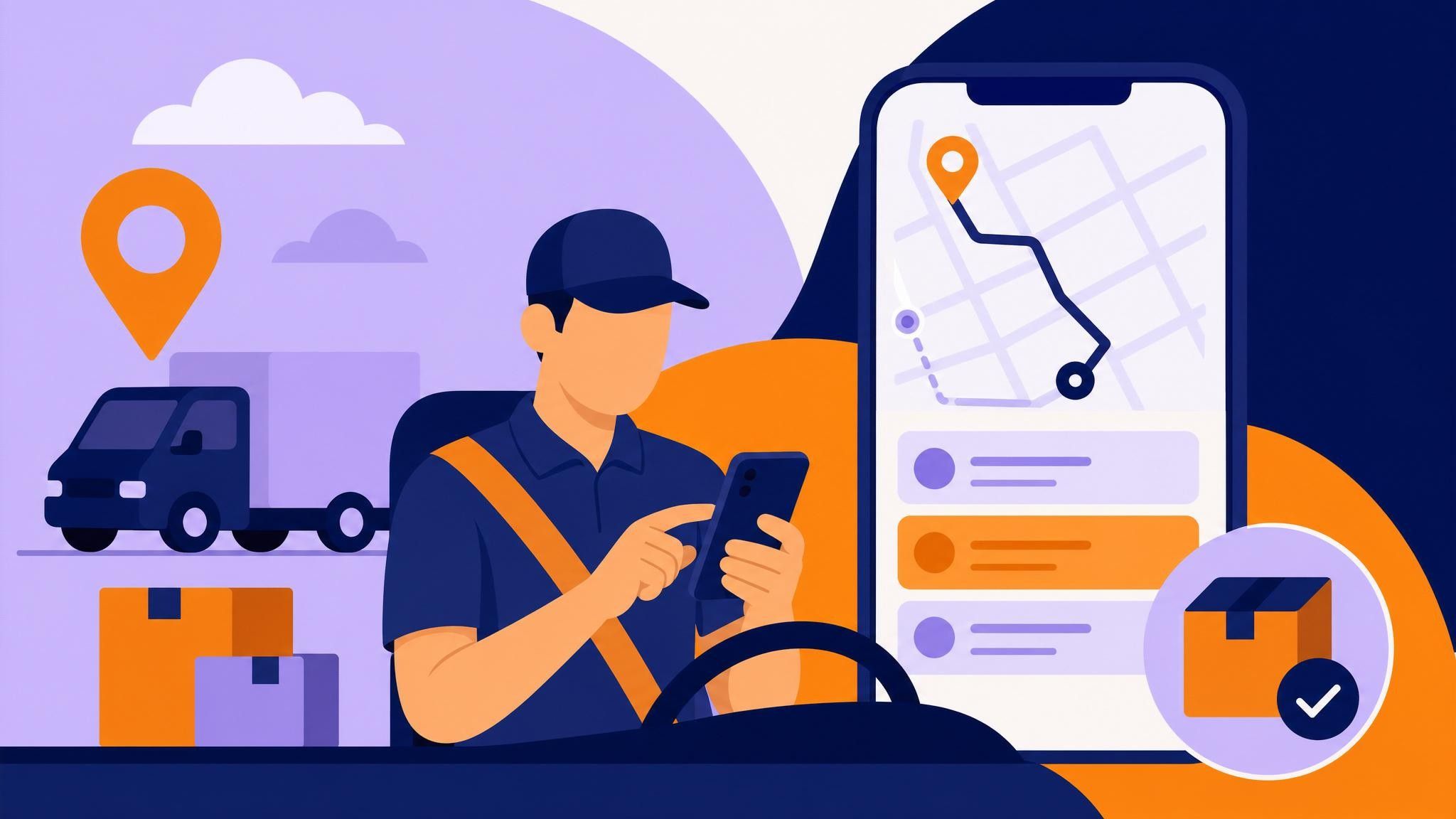
Tracking delivery status in the field is essential to hit deadlines, reduce costs, and deliver a great customer experience. If your operation already uses Zuma ERP, integrating your transport flow with the Meu Rastreio driver app transforms last‑mile visibility. In this guide, you’ll learn how to connect Zuma ERP to Meu Rastreio, dispatch routes to the driver app, and monitor everything in real time—from the distribution center departure to proof of delivery.
Beyond simplifying the work of planners and fleet managers, this integration cuts administrative rework, avoids unnecessary calls, and creates a complete digital trail for audits and decision‑making.
The challenges of tracking deliveries only through the ERP
- No real‑time visibility into driver location and stop status.
- Decentralized proofs of delivery (paper, scattered photos, messages).
- Reactive, manual communication between driver, support, and end customer.
- Difficulty measuring SLA, OTIF, and first‑attempt delivery rates.
- Rework to update status in the ERP and inform the customer.
- Little route predictability and no live ETA updates.
The Zuma ERP + Meu Rastreio integration solves these pains by automatically syncing orders and statuses, enabling smart route planning, and equipping drivers with a simple, powerful mobile app.
How the Meu Rastreio + Zuma ERP integration works
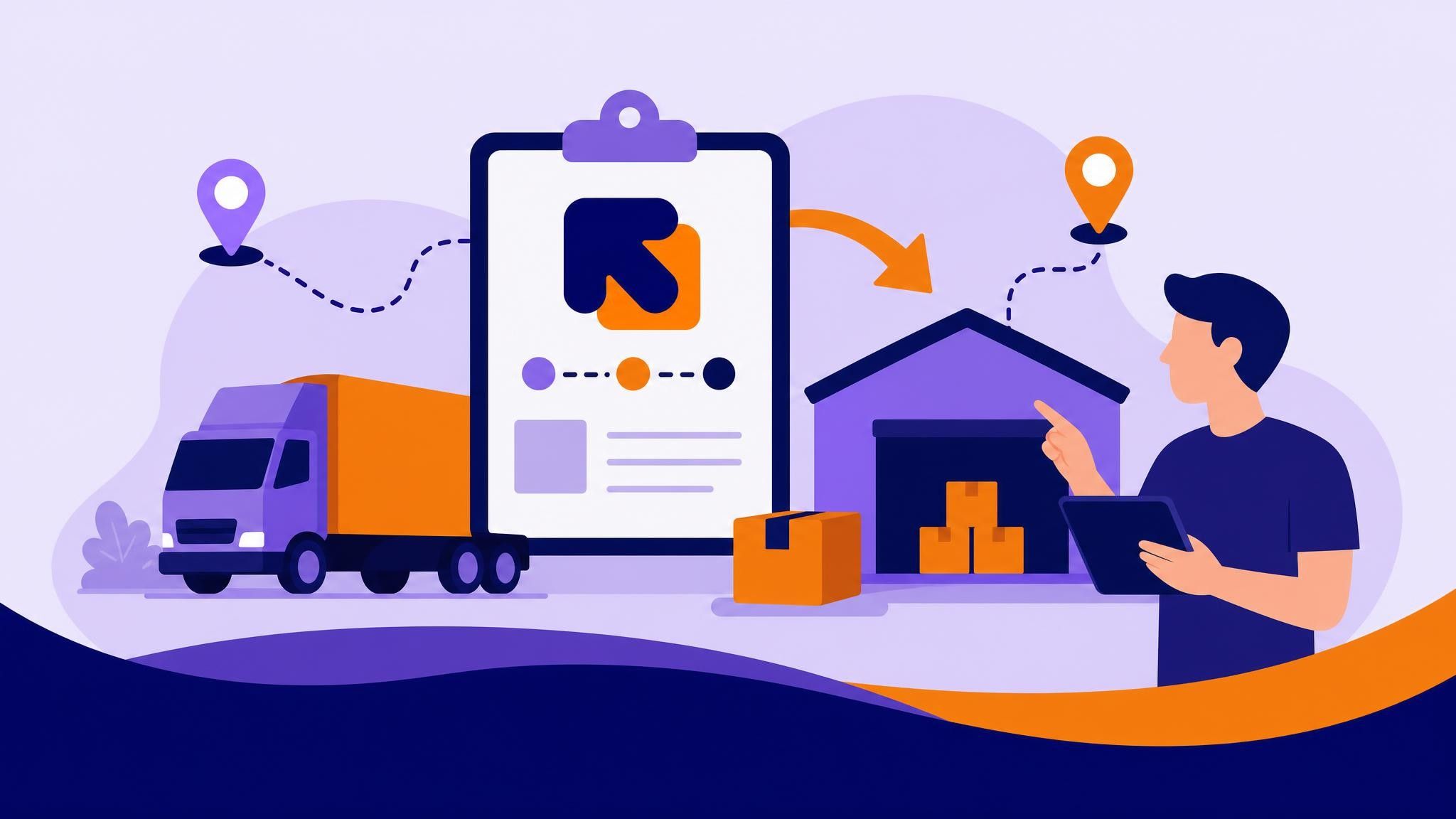
- Order sync: invoices/orders from Zuma ERP are imported into Meu Rastreio, ready for grouping, routing, and dispatch.
- Dispatch to the app: deliveries are sent to the driver app with stop sequence, delivery windows, and instructions.
- Real‑time tracking: managers see the driver’s position, each stop’s status, and ETA on a live dashboard.
- Digital proof of delivery (POD): photos, signatures, and notes are attached to each delivery with geolocation and timestamp.
- Status feedback: events and completions sync back, keeping the ERP and field operation aligned.
Learn more on the Meu Rastreio website: https://www.meurastreio.app/pt-BR/integracoes/zuma-erp
Step by step: tracking Zuma ERP deliveries in the driver app
- Connect Zuma ERP to Meu Rastreio
- Configure the integration in Meu Rastreio to pull orders and customer data directly from Zuma ERP.
- Define which fields will sync (order number, invoice, packages, weight, delivery window, contact, address). Outcome: no manual typing and consistent transportation data.
- Import orders and build routes
- With orders already in Meu Rastreio, group them by region, vehicle, capacity, and due date.
- Use routing to optimize sequences, reduce detours, and estimate arrival times (ETA).
- Validate routes considering constraints such as delivery windows, priority, and vehicle type. Outcome: feasible, shorter routes, balanced across drivers.
- Dispatch orders to the driver app
- Send approved routes to the driver app with one click.
- The driver receives the stop list, delivery instructions, and can start the route (check‑in) at the beginning of the shift. Outcome: a structured start to the day—no paperwork or side messages.
- Monitor progress in real time
- In the Meu Rastreio dashboard, follow vehicle position, ETA to the next stop, and status per delivery (pending, en route, delivered, exception).
- Track same‑day indicators: completed, at‑risk, late, and not‑started deliveries.
- Anticipate issues: if a delivery window is close to expiring, replan live or contact the driver. Outcome: proactive, data‑driven operations focused on exceptions.
- Capture POD and exceptions via the app
- The driver completes each stop with e‑signature, photos of the location/packages, and notes (e.g., “received by Maria — ID XXX”).
- If blocked (customer absent, wrong address, damage), the driver records an exception with photo evidence.
- Status and proofs are instantly available on the dashboard and to your support team. Outcome: indisputable delivery confirmation with traceability and fewer disputes.
- Closeout and sync back to the ERP
- At the end of the route, a daily summary shows total deliveries, exceptions, mileage, and shift time.
- Individual order statuses sync back, keeping Zuma ERP updated for billing, collections, and post‑sales. Outcome: faster back office and less administrative rework.
What drivers see and do in the app
- Daily delivery list with priorities and time windows.
- Start‑of‑day check‑in and end‑of‑day check‑out.
- Integrated navigation (Waze/Google Maps) for each stop.
- Capture signatures, photos, notes, and barcode/QR code when applicable.
- Log standardized exceptions (absence, refusal, damage, re‑delivery).
- Offline mode with automatic sync when connectivity returns.
- Communicate with operations via per‑delivery comments (no side apps needed).
Everything is designed to be fast and intuitive, minimizing taps and distractions in the field.
Practical benefits and metrics that matter
- Operational efficiency: fewer calls, fewer office trips, more deliveries per route.
- Cost reduction: optimized mileage, less rework, fewer second attempts.
- Predictability: live ETA and route progress to prioritize stops and honor time windows.
- Service quality: photo and signature POD reduces disputes and accelerates invoicing.
- SLA and OTIF: real‑time monitoring and active exception management improve on‑time and first‑attempt rates.
- Audit and compliance: complete trail with geolocation, timestamp, and user for every event.
- Scalability: from small driver teams to multi‑DC operations and partner carriers.
Recommended daily KPIs
- On‑SLA delivery rate
- First‑attempt success rate
- Average time per stop
- Mileage per route
- Exceptions by reason (absence, refusal, damage)
- Cost per delivery (planned vs. actual)
Real‑world use cases (and how the app helps)
- Omnichannel retail: integration pulls orders from Zuma ERP; the driver app confirms in‑store pickup, express delivery, and scheduled home delivery with photos and signature.
- B2B distribution: deliveries with multiple packages and strict windows; documented exceptions prevent disputes during customer checks.
- Regional e‑commerce: high density of nearby stops; routing and customer ETA reduce support contacts and ensure a smoother buying journey.
Best practices to get the most from the integration
- Standardize address data in the ERP (ZIP code, number, complement, references) to improve geocoding.
- Use realistic delivery windows and communicate them to the end customer.
- Train drivers to collect complete POD (signature, clear photos, objective notes).
- Enable exception alerts (delays, SLA risk, stop not found) and act proactively.
- Review routes daily based on exceptions and actual stop times.
- Run weekly audits of proofs and align feedback with the field team.
- Use reports to negotiate internal/external SLAs and adjust goals by region and customer profile.
Trends in tracking and final mile
- End‑to‑end real‑time visibility: from ERP order to post‑delivery.
- Predictive ETA and proactive communication with the end customer.
- Full POD digitalization and less paperwork.
- Hybrid operations (own fleet + carriers) under a single control tower.
- Ongoing data analysis to optimize cost, sustainability, and customer experience.
Conclusion: turn your ERP into a visible, agile operation Integrating Zuma ERP with Meu Rastreio and running via the driver app is the simplest way to gain real‑time visibility, secure proof of delivery, and cut last‑mile costs. From dispatch to POD, everything stays synchronized and auditable—enabling faster decisions and happier customers.
Want to see it working in your operation?
- Book a free demo with a Meu Rastreio specialist.
- Bring a real scenario from your Zuma ERP and we’ll simulate the end‑to‑end flow.
Take the next step toward a more efficient, predictable logistics operation: schedule your demo today.