CT-e issued with error: cancel, correct, or issue another document?
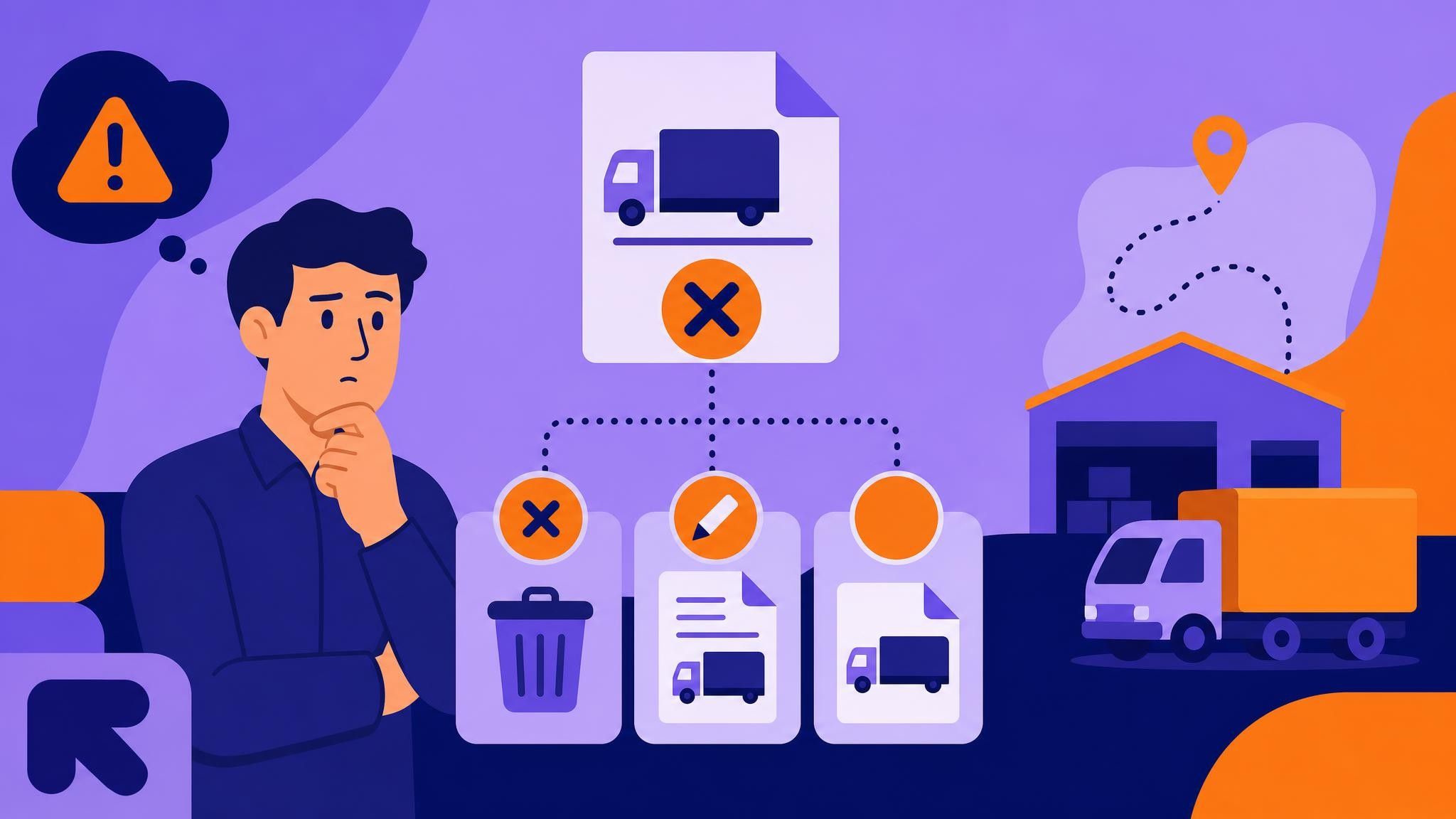
Errors happen when issuing a CT-e: a mistyped CNPJ, an incomplete address, a weight that differs from what actually shipped, a last-minute payer (tomador) change, and more. For those living the day-to-day of operations, the next question is always the same: what now—cancel, correct with an Electronic Correction Letter (CC-e), or issue another document?
Making the right call at the right time prevents fines, rework, audit disputes, and delays in freight billing. In this guide, you’ll learn how to assess each scenario and choose the best path, plus how Meu Rastreio helps your team prevent and resolve these cases quickly and safely with the CT-e module: https://meurastreio.app/pt-BR/cte
Important note: tax rules can vary by Brazilian state (UF) and change over time. Use this content as operational guidance and consult your accountant and your jurisdiction’s SEFAZ for final decisions.
Why CT-e errors happen—and what they cost
In practice, the main triggers are:
- Outdated customer and payer (tomador) records
- Manual typing under time pressure
- Mismatches between order, shipper’s NF-e, and what actually shipped
- Route, vehicle, or payer changes after issuance
- Integration gaps between TMS, ERP, and fiscal issuance tools
- Limited knowledge about what can (or cannot) be corrected via CC-e
The impact is real:
- Rework and overtime for administrative staff
- Delayed billing and longer D+ to receive
- Risk of penalties and audit disputes
- Poor visibility of true trip cost
- Worse experience for customers and drivers
Quick checklist: before you decide
Before choosing to cancel, correct, or issue another document, evaluate:
- Has the service started? Was there a pickup/embarkation?
- Are you still within your SEFAZ/UF’s cancellation window?
- Does the CT-e have linked events (e.g., MDF-e opened/closed, prior CC-e, complementary CT-e)?
- Does the error change the fiscal essence (taxed values, payer, nature of service), or is it minor/registration-only?
- Has any tax credit/debit been taken or accounting entries posted?
- Is there impact on related documents (NF-e, MDF-e, CIOT, insurance)?
With these answers, the best path becomes clearer.
When to cancel the CT-e
In general, cancellation is indicated when:
- The service has not started (no pickup, no transit)
- The CT-e was issued by mistake, in duplicate, or to the wrong payer
- You are within the applicable cancellation deadline for your UF
- There are no blocking events (e.g., an MDF-e already closed and linked to this CT-e)
Advantages:
- Eliminates the erroneous document, reducing future inconsistencies
- Simplifies fiscal and accounting reconciliation
Attention:
- After the deadline or once service has started, cancellation is usually not possible. In these cases, pursue substitution/annulment or a complementary document, per local fiscal guidance.
Practical example:
- Your team issued two CT-es for the same load. The driver has not started the trip. You cancel the duplicate CT-e within the deadline and proceed with the correct one.
When to correct with CC-e (Electronic Correction Letter for CT-e)
CC-e is used for adjustments that do not change the essence of the service or the tax calculation—typically textual/registration corrections and informational complements. What can or cannot be corrected is defined by technical and fiscal rules; always check your SEFAZ/UF guidance.
Common situations where CC-e helps:
- Completing an address (e.g., adding neighborhood or ZIP code)
- Adjusting contact fields or freight notes
- Clarifying insurance info or purchase order references
- Updating operational details that do not affect taxation
Benefits:
- Corrects the document without cancellation
- Keeps a clean, transparent audit trail
Cautions:
- There are usage limits and fields that cannot be changed via CC-e (e.g., changes that affect tax base, nature of service, or parties may require another procedure)
- Record a clear reason for the correction to streamline future audits
Practical example:
- The CT-e went out missing the street number. Since taxes and parties are unaffected, issue a CC-e to complete the address.
When to issue another document: complementary, substitute, or annulment CT-e
Sometimes you can’t cancel or correct. In certain situations, the law requires issuing new documents to adjust the operation.
- Complementary CT-e: used when you must complement values (e.g., weight difference verified on the scale, unconsidered tolls, agreed surcharge) or information that affects calculation, per UF rules.
- Substitute/annulment CT-e: used when the service has started/finished and the original CT-e has errors that cannot be fixed by CC-e and cannot be canceled in time. This procedure formalizes replacing the erroneous document with a correct one while preserving fiscal traceability.
Best practices:
- Clearly reference the original document (access key) and the technical/fiscal reason for substitution/annulment
- Align with the payer on which document is valid for billing
- Keep all evidences (weights, work orders, approval emails)
Practical examples:
- Divergent weight: the pickup indicated 8 tons, but the scale showed 9.2. Issue a complementary CT-e for the difference, per agreement and fiscal rule.
- Payer change after the trip started: not a CC-e case and, generally, not cancellable. Evaluate substitution/annulment, observing UF legislation.
Common errors and the recommended fix (quick summary)
- CT-e duplicated before transport starts: cancel the duplicate CT-e.
- Incomplete address with no tax impact: correct with CC-e.
- Freight value difference due to legitimate add-on: issue a complementary CT-e.
- Wrong payer after service starts: evaluate substitution/annulment per local rules.
- Data that changes tax base/taxation and the cancellation window has expired: usually substitution/annulment.
Reinforce: always confirm with SEFAZ/UF and your accountant; details vary by jurisdiction.
Best practices to avoid errors and rework
- Standardize master data: keep CNPJ, state tax ID, addresses, and contacts validated and centralized.
- Automatic validations: block issuance when critical fields are inconsistent.
- TMS/ERP integration: reduce manual typing with orders, NF-e, and freight tables pulled automatically.
- Pre-authorization workflow: validate weight, payer, route, vehicle, and MDF-e before authorizing the CT-e.
- Continuous training: align the team on what is eligible via CC-e, when to cancel, and when to substitute.
- Deadline policy: set internal alerts so you don’t miss cancellation windows.
- Audits and KPIs: monitor rework rate, missed deadlines, and root causes of errors.
How Meu Rastreio simplifies CT-e management
Meu Rastreio is designed to make CT-e issuance and management faster, safer, and scalable. With the CT-e module (https://meurastreio.app/pt-BR/cte), your team gets:
- Guided issuance and smart validation: a rule engine updated by UF to prevent errors before authorization.
- Critical deadline alerts: notifications on cancellation windows and pending events (e.g., open MDF-e not yet closed).
- Decision assistant: recommends whether to cancel, correct with CC-e, issue a complementary CT-e, or proceed with substitution/annulment—with a justification trail.
- CC-e in a few clicks: eligible fields highlighted and full correction history.
- Support for complementary CT-e and substitution/annulment procedures: with automatic links to the original document.
- Control of linked events: a complete view (CT-e, MDF-e, CIOT, CC-e, complementaries) to prevent improper actions.
- ERP/TMS integration: pulls order, NF-e, and freight table data to reduce typing and discrepancies.
- Audit and compliance: detailed logs, approval workflows, and reports for inspections.
- Operational KPIs: correction rate, time-to-bill per trip, and most common rework reasons—to attack root causes.
Expected outcomes
- Fewer errors at the source
- Fast, correct decisions when an error occurs
- Less rework and faster billing
- Fiscal and documentary safety during audits
Illustrative use case
- A regional carrier struggled with missed cancellation windows and off-standard complementary issuances. With deadline alerts, UF-based validations, and Meu Rastreio’s decision assistant, the team drastically reduced critical occurrences and shortened the billing cycle. Operations gained predictability—and Finance, peace of mind.
Quick FAQs
-
What is the deadline to cancel a CT-e? Deadlines and conditions vary by SEFAZ/UF and service status. Check your jurisdiction’s rule or use systems that automatically flag applicable windows.
-
Can I correct the payer’s CNPJ via CC-e? In general, changes that alter the essence of the service or affect taxation are not eligible for CC-e and require another procedure (on-time cancellation or substitution/annulment). Confirm with your accountant/SEFAZ.
-
Can I cancel a CT-e linked to a closed MDF-e? As a rule, linked events can restrict cancellation. In such cases, evaluate substitution/annulment or another procedure as per local legislation.
-
How many CC-e can I issue for the same CT-e? There are technical limits and specific rules. Ideally, correct completely in the first CC-e and consult your UF’s guidelines.
Conclusion: the right decision, at the right time
Errors happen—the difference in mature operations is the ability to detect them early and apply the proper procedure: cancel when possible, correct via CC-e when allowed, and issue complementary or substitute/annulment documents when necessary. That preserves compliance, accelerates billing, and avoids audit headaches.
Want to standardize this process and move faster with confidence? Explore Meu Rastreio’s CT-e module and see, in practice, how to reduce errors and missed deadlines in your operation.
Schedule a free demo or talk to a specialist—your next CT-e can be right the first time.