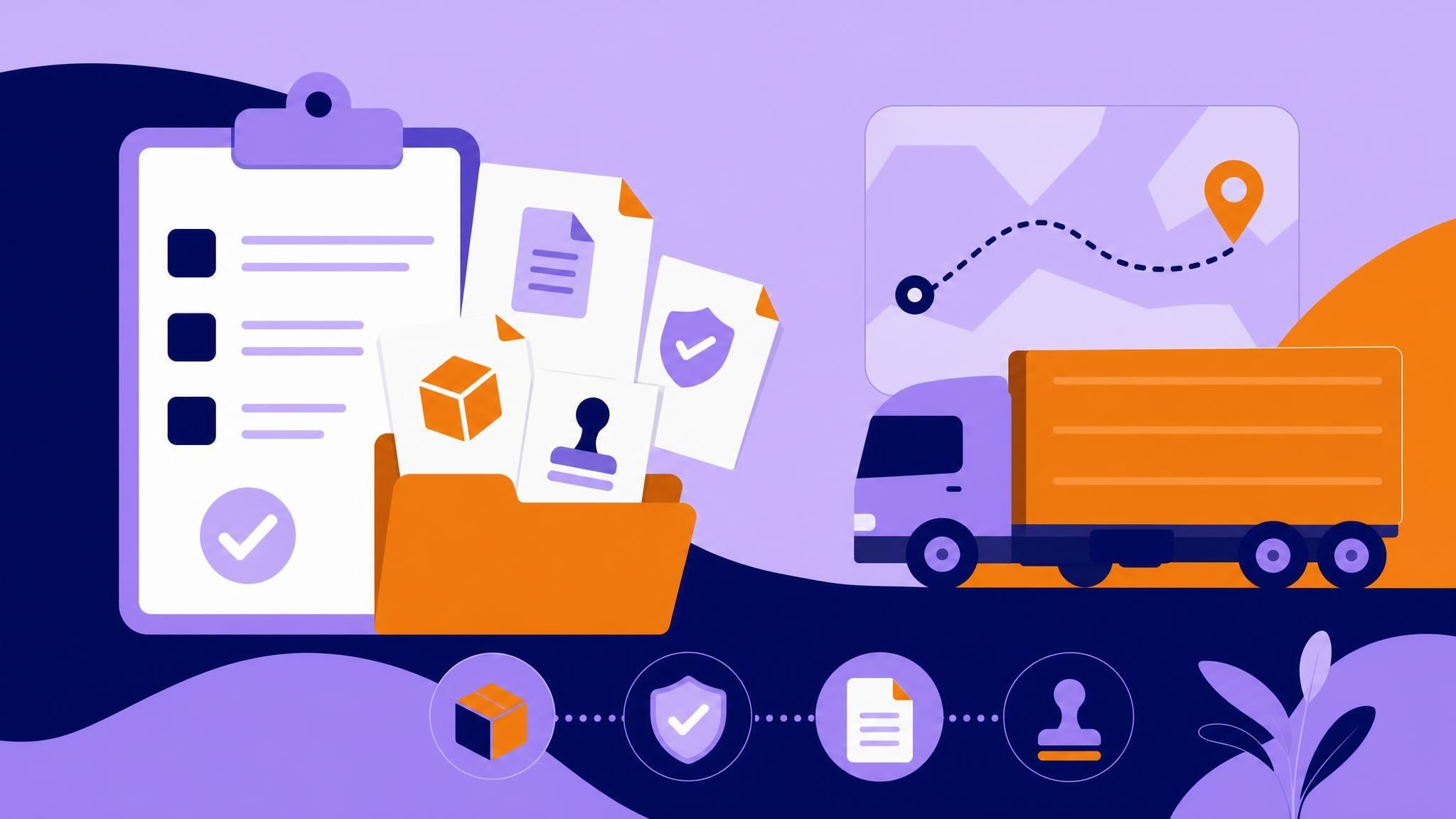
Which documents must be linked to the MDF-e?
The MDF-e (Electronic Manifest of Tax Documents) is a cornerstone of road freight transport in Brazil. It consolidates, in a single digital document, details about the cargo, vehicle, driver, loading and unloading points, and the fiscal documents that support the trip. A common question is: which documents must be linked to the MDF-e?
If you manage fleets, run logistics operations, or drive, understanding these links helps you avoid fines, speed up inspections, and improve operational control. With Meu Rastreio’s MDF-e solution, the process becomes simple, secure, and scalable—even with high trip volumes.
What the MDF-e is and why it exists
- Unifies trip data in one electronic document.
- Streamlines roadside inspections, reducing stops and paperwork.
- Tracks the circulation of goods, boosting tax compliance. In practice, the MDF-e "ties" the transport together: it indicates what is being carried, which fiscal documents back it, which vehicle and driver are involved, and which cities are on the route. Correctly linking documents is essential.
Which documents must be linked to the MDF-e The MDF-e must link the electronic fiscal documents that support the cargo. In road freight operations, this means:
- CT-e (Conhecimento de Transporte Eletrônico)
- When a carrier is contracted, the CT-e is the main tax document for the transport service.
- In this case, all CT-es issued for the trip must be linked to the MDF-e via their access keys.
- Less-than-truckload (LTL): link every CT-e that makes up the consolidated load in the same vehicle.
- Full truckload (FTL): link the single CT-e for that operation.
- NF-e (Nota Fiscal Eletrônica) — own-account transport or by order
- When the shipper performs the transport with its own resources (own-account) or hires a driver/vehicle without issuing a CT-e, the NF-es for the goods being moved must be linked directly to the MDF-e.
- Linking is done via the access key for each NF-e that composes the load.
- For deliveries to multiple recipients, link every NF-e on the route.
Summary rule
- If there is a CT-e: link CT-es to the MDF-e.
- If there is no CT-e: link NF-es to the MDF-e. This avoids redundancy (for example, you do not need to link both NF-e and CT-e for the same goods to the same MDF-e).
Other required information in the MDF-e (beyond fiscal documents) Although not “linked documents” in the technical sense, the MDF-e also requires critical information for compliance:
- Vehicle and composition: license plates for the tractor and trailers/semi-trailers.
- Driver(s): details for the primary driver and any co-driver.
- Cargo insurance: policy/insurer information when required.
- Shipper/carrier: CNPJ/CPF and RNTRC for the carrier, when applicable.
- Loading and unloading municipalities: the cities where cargo is picked up and delivered.
- Route: origin and destination states (UFs) and any planned crossings.
- Load type: LTL (fracionada) or FTL (lotação).
- Seals: if physical seals are used, record their numbers.
Documents that must physically accompany the trip (when applicable)
- DAMDFE (Auxiliary Document of the MDF-e), printed or electronically accessible.
- DANFE/DACTE matching the linked documents (when paper is required).
- Proof of prepaid toll (vale-pedágio), when applicable.
- Vehicle and driver documents, such as CNH (driver’s license) and CRLV. Note: regulations may vary by state (UF) and change over time. Consult your state’s SEFAZ and ANTT rules.
When to link CT-e vs. NF-e: practical scenarios
- A carrier collects from three shippers in the same city with deliveries in two states (UFs):
- The carrier issues one CT-e per shipper and links all CT-es in the same trip’s MDF-e.
- A manufacturer with a private fleet delivers orders across five cities in the same state:
- There is no CT-e; the five NF-es for the deliveries are linked to a single MDF-e (as long as the route is the same displacement).
- Transshipment/subcontracting:
- The carrier executing a leg of the route issues its own CT-e and links it to the MDF-e for that leg. Confirm that any subcontracting CT-e is properly referenced at issuance.
Common mistakes when linking documents to the MDF-e (and how to avoid them)
- Duplicating documents: linking both NF-e and CT-e for the same goods on the same MDF-e. Rule: either CT-e or NF-e.
- Wrong access key: typos, canceled or non-existent NF-e/CT-e.
- Divergent municipalities: loading/unloading cities do not match the real route.
- Outdated vehicle/driver: license plate or driver data does not match what is on the road.
- Forgetting to close the MDF-e: leaving the document “open” after the trip ends causes issues issuing new manifests and risks penalties.
- Mixing incompatible operations: different transport modes or cases that require separate MDF-es due to state rules.
Best practices
- Validate access keys before transmission.
- Keep fleet and driver records up to date.
- Plan the route and confirm loading/unloading municipalities.
- Close the MDF-e immediately after the last delivery on the route.
Practical benefits of correct linking
- Faster inspections: quick QR code reads and straightforward checks.
- Lower risk of fines and detentions: consistency between MDF-e, CT-e/NF-e, and vehicle documents.
- Operational control: clear traceability of what is in each vehicle and where it is going.
- Quicker turnarounds and re-planning: organized documentation speeds vehicle rotation.
How Meu Rastreio simplifies MDF-e issuance and linking Meu Rastreio’s MDF-e solution is designed for teams that need speed and compliance without complexity:
-
Smart CT-e/NF-e linking:
- Bulk import by access keys.
- Reading DANFE/DACTE with key extraction (OCR) to eliminate manual typing.
- Automatic SEFAZ status validation (canceled, authorized, etc.).
-
Guided, error-free issuance:
- An assistant that guides you to choose CT-e vs. NF-e based on the operation type.
- Centralized fleet and driver records to reduce inconsistencies.
- Suggested loading/unloading municipalities based on the invoices.
-
Scalable operations:
- Create MDF-es by route, for LTL or FTL loads.
- Duplicate recurring trips and use templates by customer/route.
- One-click closing, with alerts for pending manifests.
-
Compliance and visibility:
- DAMDFE generation and easy sharing with the driver.
- Record prepaid tolls (when applicable) and insurance information.
- Audit trails and reports for fiscal and operational management.
-
Logistics integration:
- Sync with pickup/delivery schedules.
- Real-time status board to track authorizations and closures.
The result: less rework, lower risk, and smoother operations—from back office to the road.
Trends and best practices to stay ahead
- Full digitalization: teams going paperless and using mobile devices to present DAMDFE/DACTE.
- Reliable data: consolidated access keys and master records to reduce typing errors.
- Compliance automation: automatic validations and scheduled closures.
- End-to-end integration: manifests aligned with route planning and delivery windows to avoid MDF-es out of sync with operations. Companies that adopt these practices cut administrative costs, spend less time at inspections, and gain predictability across the network.
Quick answers
- Is it always mandatory to link a CT-e? No. If the transport is own-account (no carrier contracted), link the NF-es.
- Can I have multiple CT-es/NF-es in the same MDF-e? Yes, as long as they belong to the same trip/route with the same vehicle.
- Do I need to close the MDF-e? Yes. Closing is mandatory at the end of the trip. Not closing blocks new manifests and may generate penalties.
Conclusion Linking documents correctly to the MDF-e is not just a fiscal requirement—it is a pillar of operational efficiency. The golden rule: when a carrier is involved, link CT-es; for own-account transport, link NF-es. Add consistent data on route, vehicle, and driver, and you will get faster inspections, fewer risks, and a more predictable logistics flow.
Ready to simplify and accelerate with confidence? Explore Meu Rastreio’s MDF-e solution and see how to automate issuance, CT-e/NF-e linking, and closure with full operational control. Book a free demo with a Meu Rastreio specialist and take your compliance and productivity to the next level: https://meurastreio.app/pt-BR/mdfe