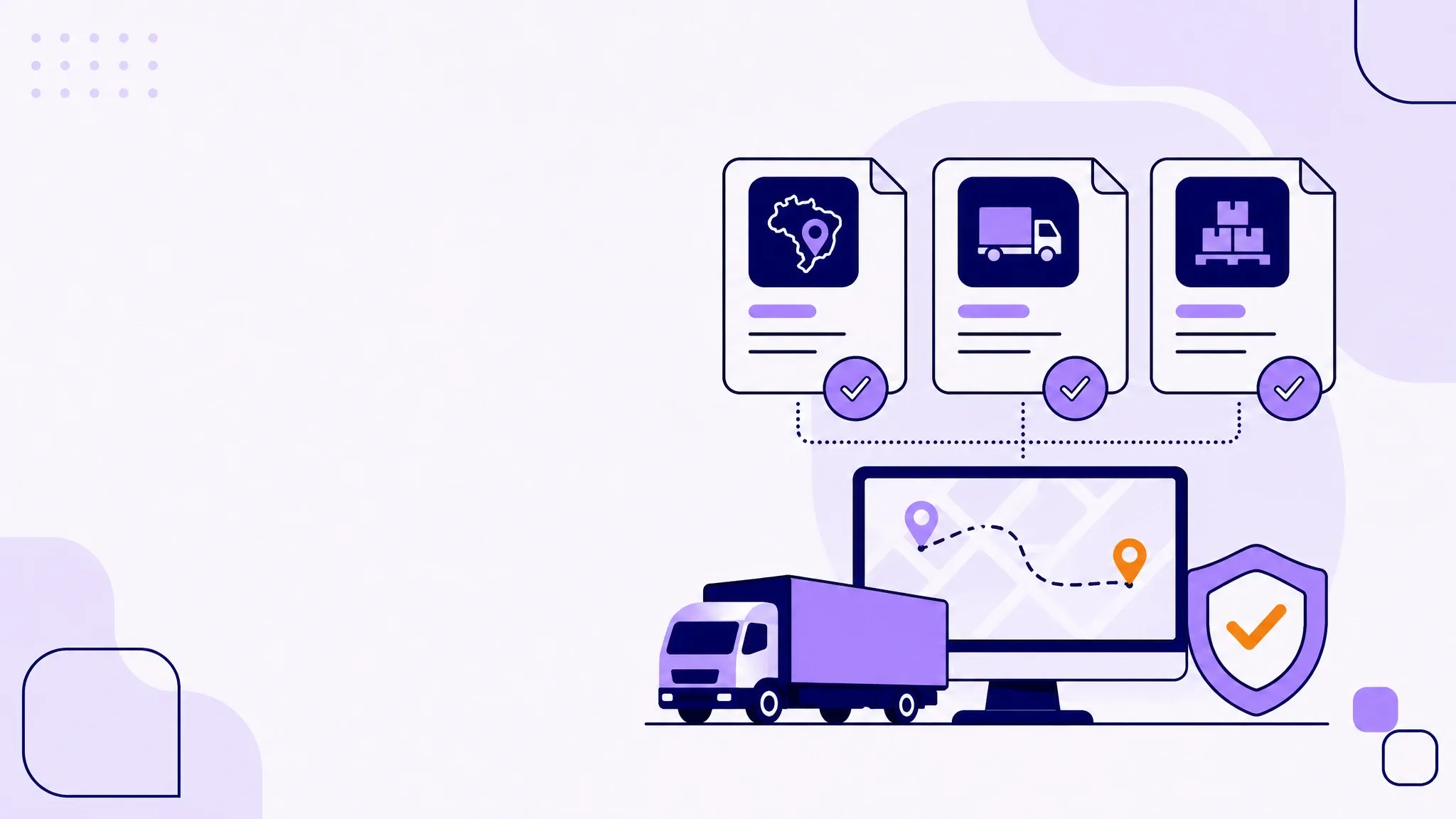

How to issue CT-e automatically without filling out each document by hand
Manually issuing CT-e—typing field by field—consumes time, creates rework, and exposes your operation to fiscal errors and SEFAZ (Brazil’s tax authority) rejections. For teams coordinating dozens or hundreds of shipments per day, every minute spent entering data means a truck waiting, a driver on hold, and an unsatisfied customer. The good news: you can automatically generate CT-e from information you already have (such as the shipment’s NF-e), standardize tax rules, and eliminate repetitive typing.
In this article, you’ll see how to automate the Electronic Transport Knowledge document (CT-e), the practical gains this brings, and how Meu Rastreio CT-e supports your team to scale safely and efficiently: https://meurastreio.app/pt-BR/cte
Why automate CT-e issuance?
CT-e is the fiscal document that formalizes the provision of cargo transport services. It consolidates shipper, consignee, freight payer (tomador), goods, freight values, and taxes. When done manually, every field is a potential failure point.
Automation means turning the data you already own (master data, freight tables, NF-e) into complete CT-es, with fiscal validations before submission to SEFAZ. The result:
- Faster cargo release
- Fewer rejections and fines
- Tax standardization by operation type and state (UF)
- Increased control and traceability
The main pain points of manual CT-e issuance
- Excessive time: 5–10 minutes per CT-e quickly add up to hours each day
- Frequent rejections: wrong CFOP/CST, missing RNTRC (ANTT), invalid IE (State Registration), mismatched CEP (ZIP), incorrect NF-e keys
- Tax inconsistency: different rules by customer, state (UF), or cargo type increase variance and fiscal risk
- Demand spikes: seasonality and pickup/delivery windows pressure the team
- Rework and fatigue: repetitive typing, spreadsheet lookups, manual checks, and parallel reconciliations
How to automate CT-e issuance in practice
Automation isn’t magic—it’s process. These are the pillars to move CT-e from manual to automated.
- Master data and smart rules, set once
- Centralize records for customers, freight payer (tomador), shipper, and consignee
- Define tax rules by origin/destination UF, tax regime, and service type (LTL/FTL)
- Configure CFOP, CST, and operation natures by scenario to reduce case-by-case decisions
- Validate RNTRC (ANTT) and IEs automatically to prevent rejections Result: the system “knows” how to fill the CT-e for each operation—no need to decide everything again at each issuance
- One-click NF-e import and shipment data
- Pull NF-e that compose the load by access key or XML
- Reuse weight, cube, package count, and consignee straight from the source document
- Identify the freight payer according to rules (by contract, UF, or customer) Result: DACTE mirrors the goods information—no retyping invoice content
- Freight tables and automatic price composition
- Create tables by km, weight range, cube, axle, region, or customer
- Add surcharges (GRIS, TDE, toll/pedágio, TRT) per operation rules
- Apply discounts and minimum freight automatically Result: standard, auditable freight calculation—ready for CT-e
- Fiscal validations before SEFAZ
- Check CFOP, CST, ICMS base and rates by UF
- Validate CNPJ (company tax ID), IE, CEP (ZIP), and RNTRC
- Get friendly alerts that show what to fix before transmission Result: fewer rejections, less rework, and a continuous flow
- Batch issuance, DACTE, and communications
- Generate multiple CT-es at once from shipment queues
- Send DACTE to customers and drivers via email/WhatsApp and offer a second copy
- Link CT-e to MDF-e when applicable to release the trip quickly Result: yard queues move, pickup windows are met, and customers receive documents on time
- Contingency and monitoring
- If SEFAZ is unstable, switch to contingency and monitor status until authorization
- Track dashboards with authorized, pending, canceled CT-es and number inutilizations Result: resilient operations with fewer interruptions
What Meu Rastreio CT-e does for you
Meu Rastreio CT-e was designed to take issuance out of “typing mode” and move your operation into “automation mode”:
- Automatic issuance from NF-e: import invoices and generate CT-e with no retyping
- Configurable tax rules: standardize CFOP, CST, and ICMS by UF, customer, and service type
- Flexible freight tables: calculate freight and surcharges by contract or operation
- Pre-SEFAZ validation: cut rejections with checks before transmission
- Batch issuance: gain scale during daily peaks
- DACTE generation and delivery: share quickly with customers and drivers
- MDF-e integration: speed up trip release
- Multi-company and multi-branch: segregate operations, CFOP, and numbering by branch
- Storage and compliance: keep XML and DACTE for the legal period with history and audit trail
- Digital certificates A1 or A3: compatible with your reality
- Dashboards and reports: track average issuance time, rejection reasons, and CT-es per customer
- Specialized logistics support: talk to experts who understand transport, not only software
Measurable benefits for your operation
- Time per CT-e reduced: from minutes to seconds—especially with batch issuance
- Fewer rejections: automatic validations minimize common errors (invalid IE, wrong CFOP, missing RNTRC)
- Tax standardization: less variance across operators and shifts
- Lower costs: less rework, shorter queues, and met time windows
- Scalability: absorb demand peaks without inflating the back office
Real-world examples
- Regional carrier with 150 CT-es/day: by importing NF-e and applying rules by UF, the operator dropped from 8 minutes to under 1 minute per CT-e; the first route now departs 30–40 minutes earlier
- 3PL with varied contracts: customer- and region-based freight tables applied automatically, avoiding manual calculations and billing disputes
- Distributor with multiple branches: CT-e numbering segregated by CNPJ and tax rules by state—no confusion for the team
Step-by-step: from manual to automated
- Map operation scenarios
- List frequent origins/destinations, cargo types (LTL/FTL), freight payers, and contracts
- Standardize tax rules
- Define CFOP, CST, and ICMS by UF and typical scenario; review with your tax/accounting team
- Organize master data
- Update CNPJ, IE, CEP, and RNTRC; classify customers by tax regime
- Configure freight tables
- Create tables by km, weight, cube, and surcharges per contract
- Integrate NF-e
- Bring invoices by key/XML and link them to the shipment; from there, issue CT-e in batch With this in place, operators focus on exceptions—your system handles the rest
Trends reinforcing CT-e automation
- Pressure for SLAs and customer experience: time windows met and DACTE issued on the spot
- An increasingly digital tax environment: online validations demand consistent data
- Data-driven operations: issuance and rejection metrics support decisions and audits
- Lean teams and sharper peaks: automation is the path to scale without fixed-cost creep
FAQs
- Do I need a digital certificate? Yes. A1 is recommended for practicality; A3 is also compatible
- What if SEFAZ is down? Use contingency and transmit when the service returns
- Can I issue CT-e by branch? Yes. Operate multi-company/multi-branch with separate rules and numbering
- Are XML files stored? Yes. Documents are kept for the legal period with history and DACTE available
Conclusion
Issuing CT-e automatically isn’t just “faster.” It means less risk, more standardization, and a better experience for customers and drivers. By turning NF-e, master data, and tax rules into an automated flow, your team leaves repetitive work behind and focuses on what matters: hitting routes, lowering costs, and growing.
Want to see how to ditch field-by-field typing in practice? Book a demo of Meu Rastreio CT-e and discover how to simplify your end-to-end operation.
Schedule a free demo: https://meurastreio.app/pt-BR/cte